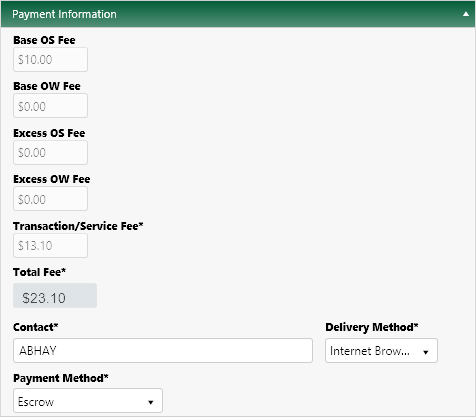
Use the Payment page to view fees, establish a delivery method, and pay for permits.
Note: To manage your screen space, you can click on any title bar to collapse its panel.
On the Payment Information panel, the fees that apply to your application are listed along with the Total Fee required.
In the Contact field, enter the name of the individual who will receive the permit then expand the Delivery Method drop-down and choose from the available options.
If you chose Fax as the transmittal method, enter your Fax Number in the field provided.
If you chose Email as the transmittal method, enter your email address in the field provided.
Expand the Payment Method drop-down and choose from the available options.
Click the Save button to avoid losing your application.

Click the Submit button.
